![kb_logo.svg]](https://www.talentdesk.io/hubfs/kb_logo.svg)
Before You Begin
Divisions must be enabled for your organisation before they can be used. If Divisions aren't visible in your account, contact your TalentDesk CSM or reach out to support.
Who Can Manage Divisions?
Divisions are managed by users in a role with the "Can manage divisions" permission. User roles can be configured in the Settings > Roles & Permissions section. Organisation Owners have this permission automatically.
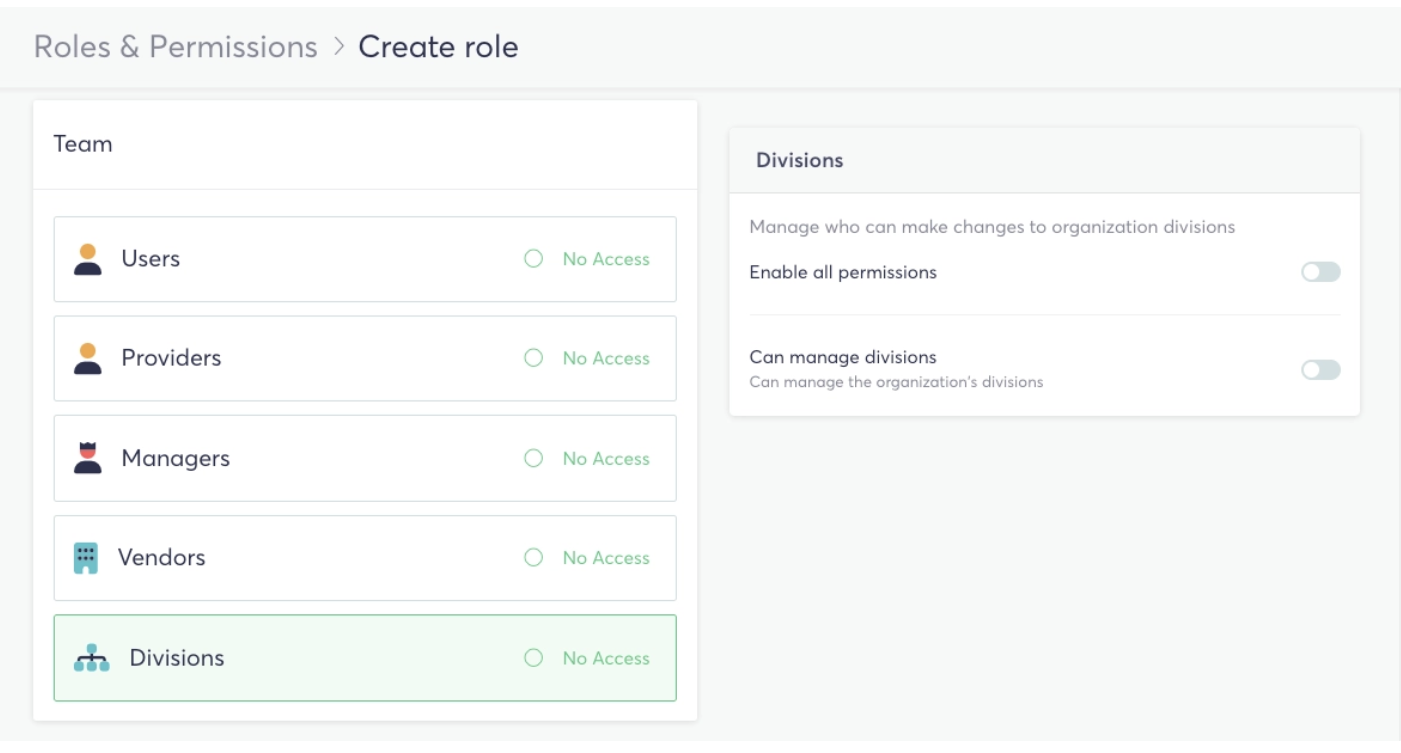
Viewing Divisions
Navigate to Team → Divisions to see all divisions in your organisation.
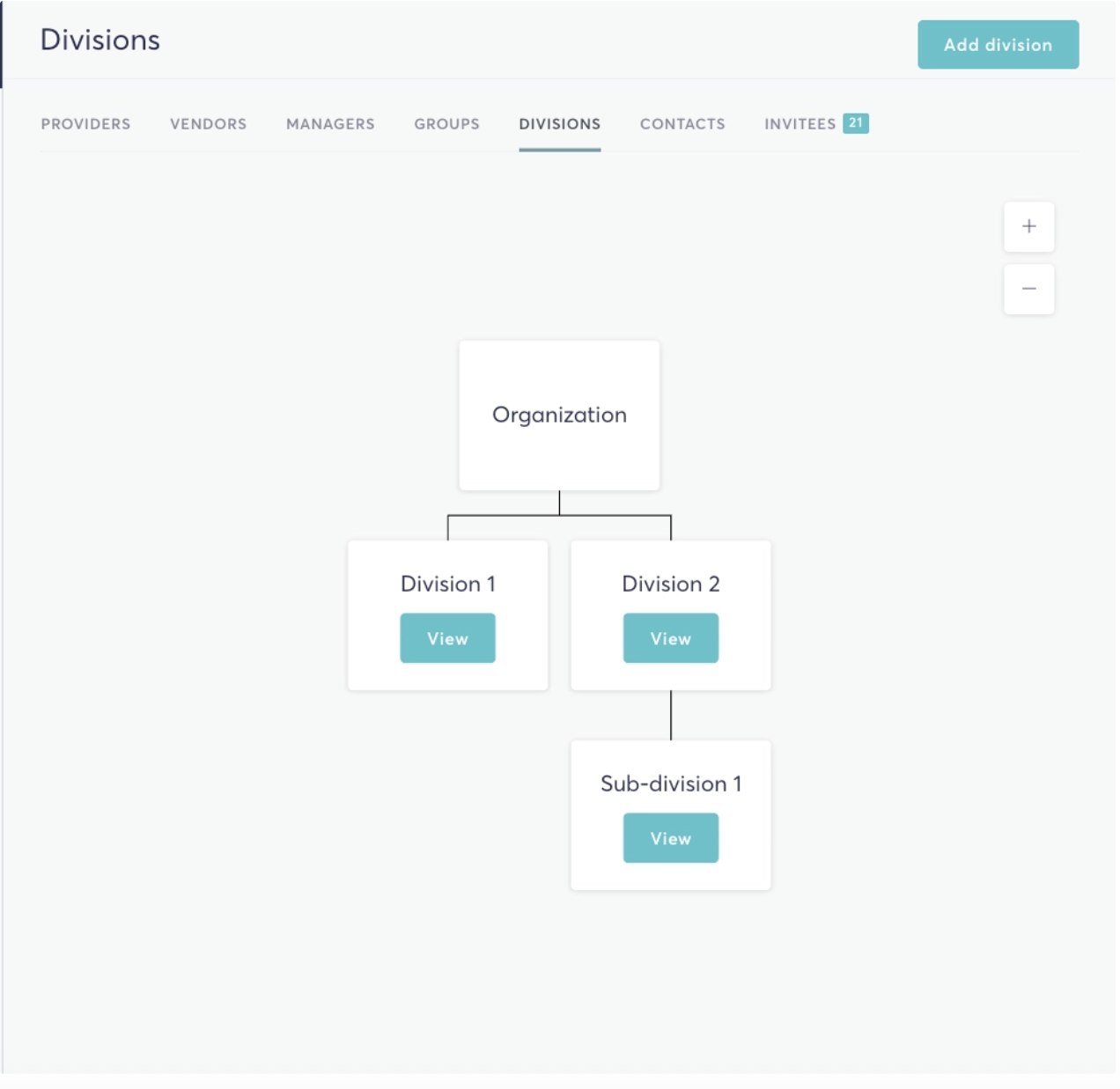
Creating a Division
- Go to Team → Divisions
- Click Add division
- Enter a name and any relevant details, then save
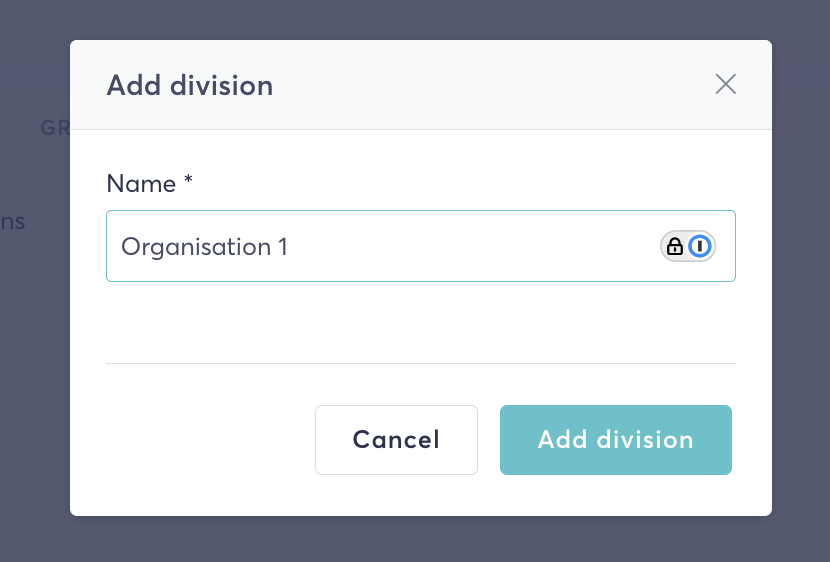
Updating or Deleting a Division
- Go to Team → Divisions and click into a division
- Use the options to update the division name or details, or delete it
💡 A division cannot be deleted if it has child divisions. Remove or reassign any children first.
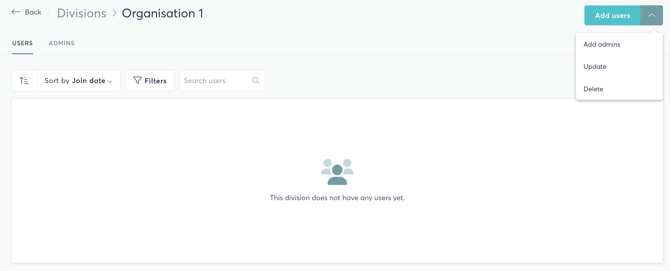
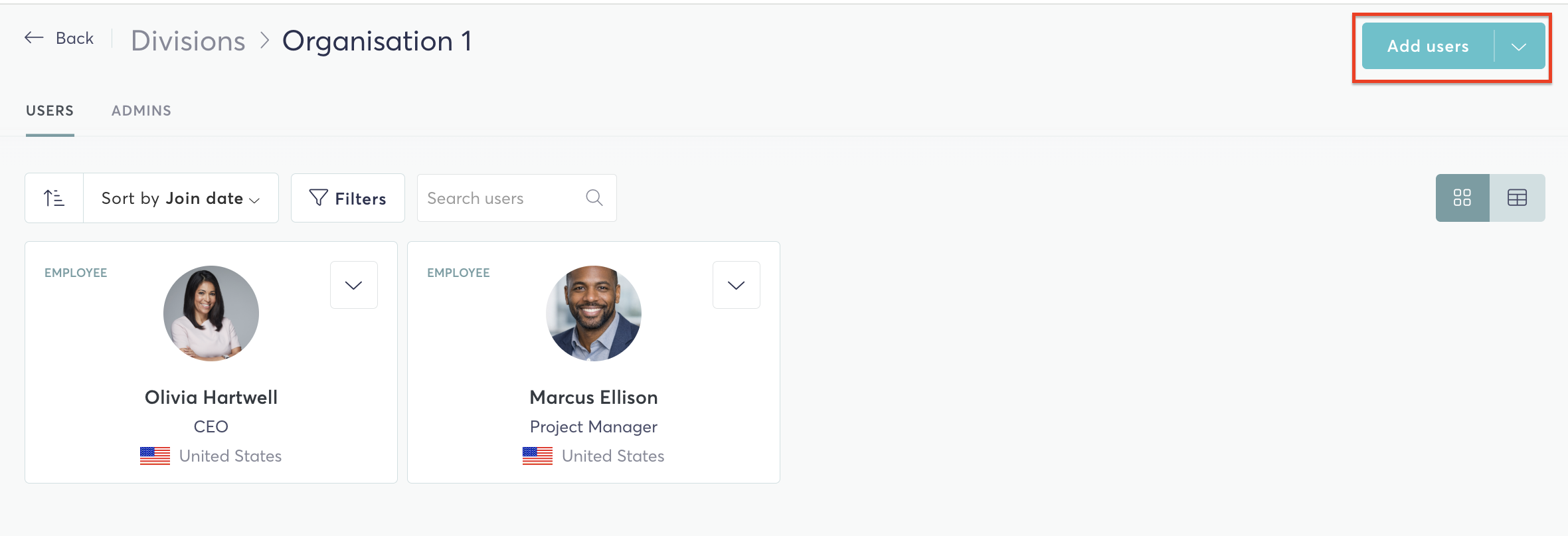
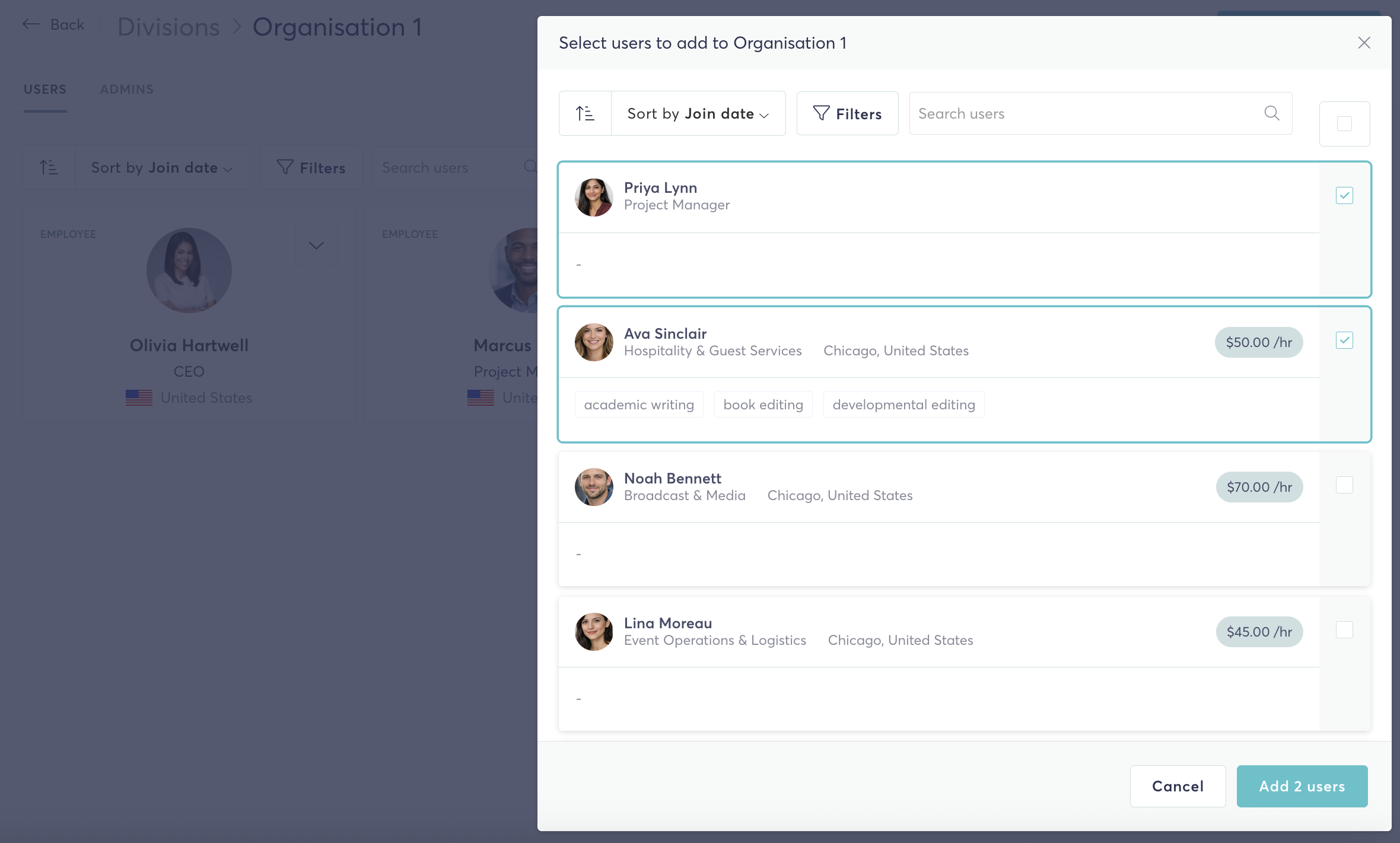
Adding Users and Admins to a Division
- Open the division from Team → Divisions
- Use the Add users or Add admins option to assign members
Promoting and Demoting Division Members
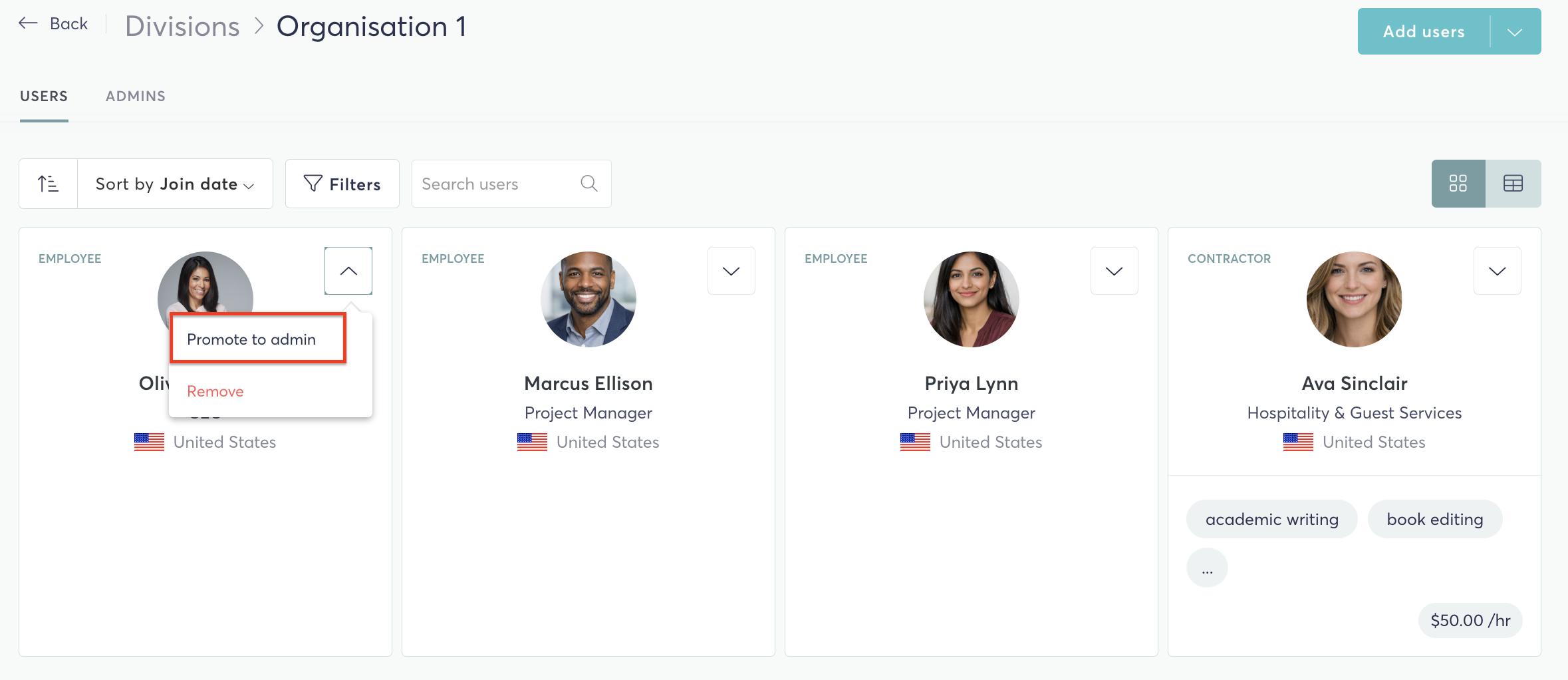
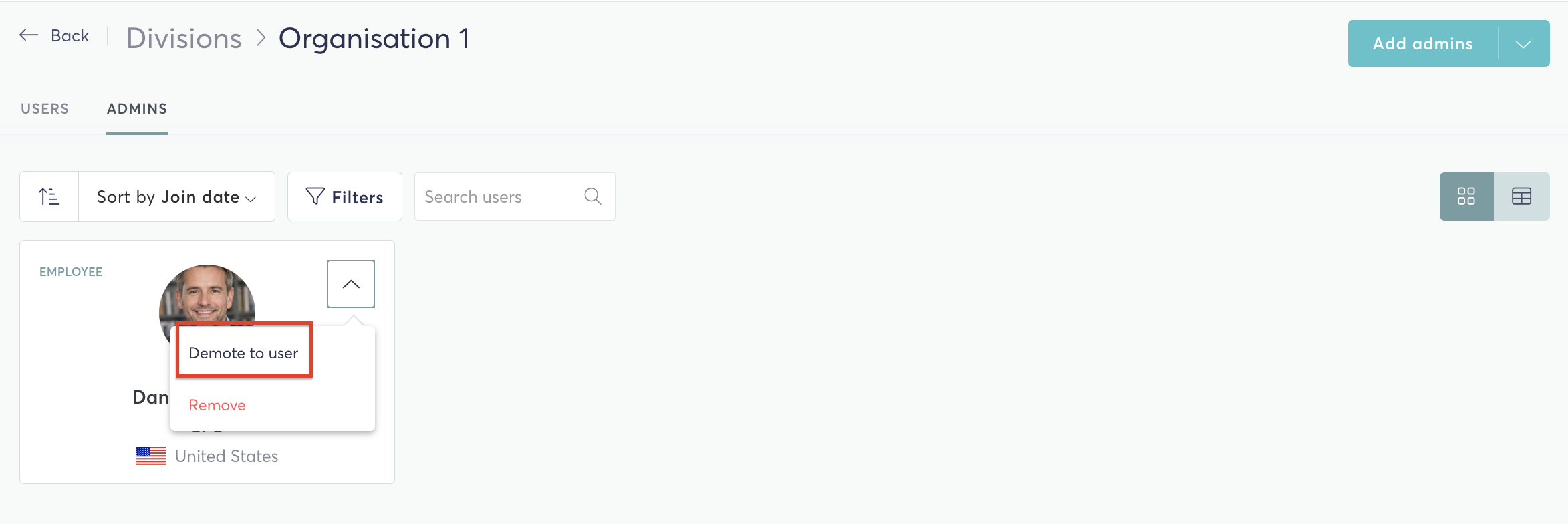
Within a division's user list, you can change a member's role:
- To promote a user to admin: select them from the users list and promote
- To demote an admin to user: select them from the admins list and demote
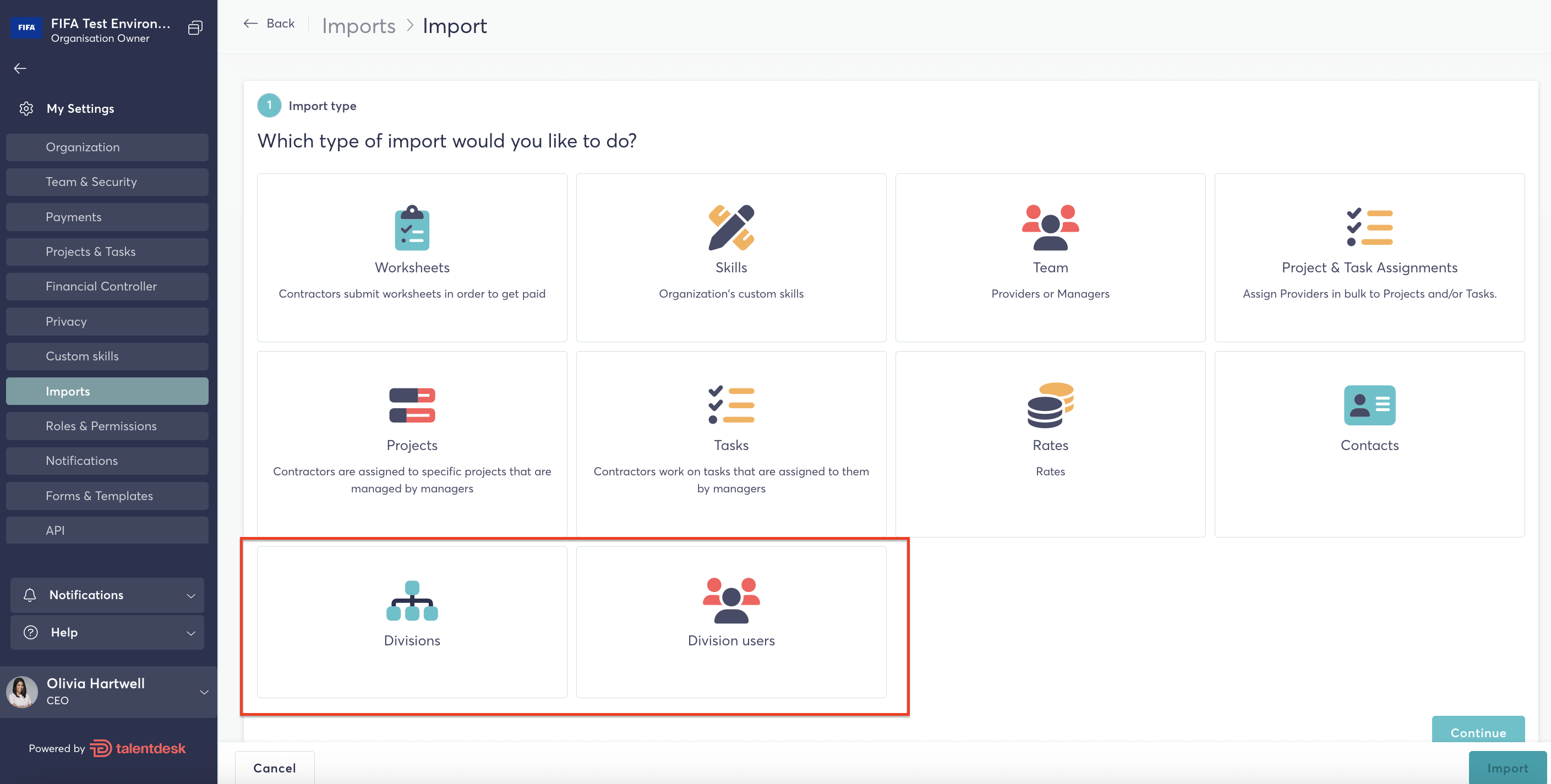
Importing Divisions and Division Users
Divisions and division users can be imported in bulk via CSV. For step-by-step guidance, refer to the dedicated articles:
- Manage divisions — for importing division structure
- Manage division users — for importing users into divisions
Restricting Manager Data Access by Division
Managers with the "Can manage organisation settings" permission can limit what data other managers see, based on their division.
- Go to Settings → Privacy
- Enable "Restrict managers' data access to their division line"
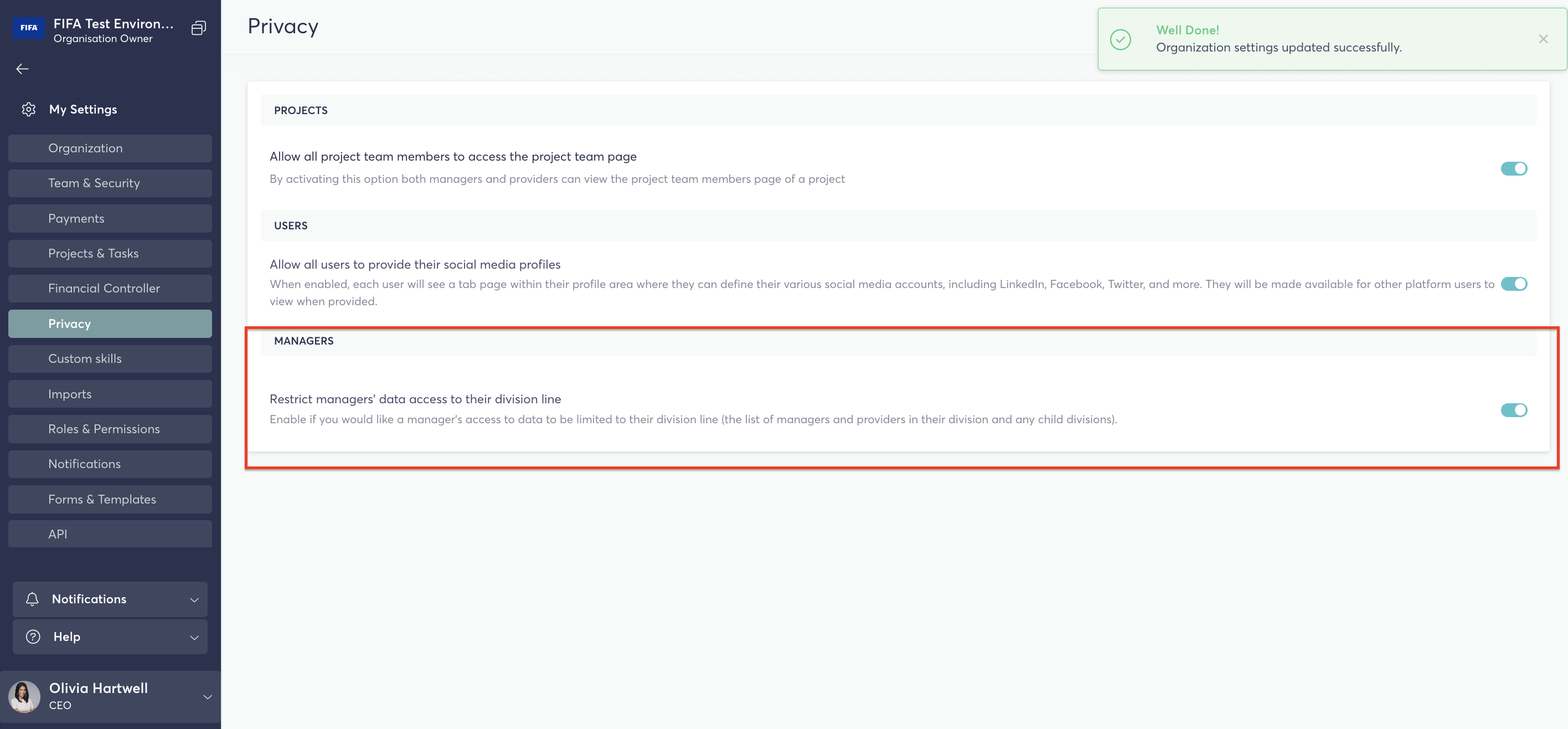
When enabled, managers will only see data for users in their own division or any child divisions. This applies to:
- Signed contracts
- Worksheets
- Expenses
- Pro-forma invoices
If you have any questions or need further support, please reach out to the TalentDesk Support Team at support@talentdesk.io.